OPERATION: PCAP Ingest
1. Start Elastic + supporting services
-
Ensure the Elastic and support services (
kibana,elasticsearch,logstash,filebeat,arkime-viewer) are started:sudo systemctl start elastic.targetNOTE: These services are set to auto-start on boot due to
systemctl enable elastic.targetbeing ran during installation -
You can also verify by accessing the web interfaces of Kibana (
https://localhost:5601) and Arkime (https://localhost:8005)NOTE: Username:
assessor| Password:elastic
2. Run 262cos_dmip_ingest_pcap.sh against PCAP file
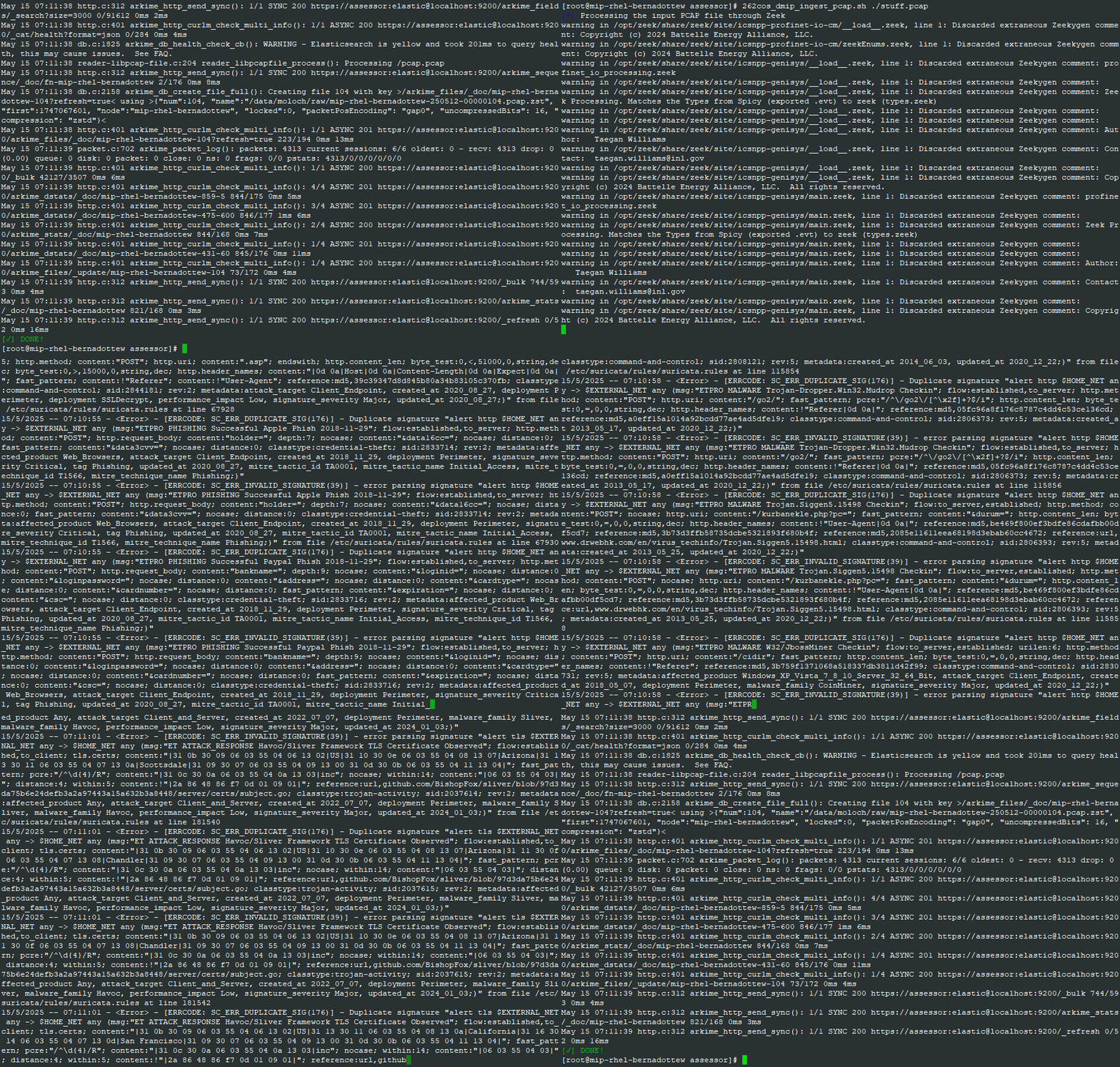
262cos_dmip_ingest_pcap.sh is created by 262cos_install_dip_on_mip.sh during installation, and is used to read PCAP files for ingest by (Zeek, Suricata, Arkime) while preserving timestamps and sending logs through Elastic pipelines.
sudo 262cos_dmip_ingest_pcap.sh <PCAP_FILE>
NOTE: Do not be alarmed by Suricata's
SC_ERR_INVALID_SIGNATUREerrors - this is normal if you are using the ET PRO ruleset as there are many duplicate rules.
3. Monitor in Kibana / Arkime
Access the web interfaces of Kibana (https://localhost:5601) and Arkime (https://localhost:8005)
NOTE: Username:
assessor| Password:elastic